BookTEK 5 V1A Professional
Our tabletop book scanner for professional digitization of formats up to A1+ / 25×36 inches
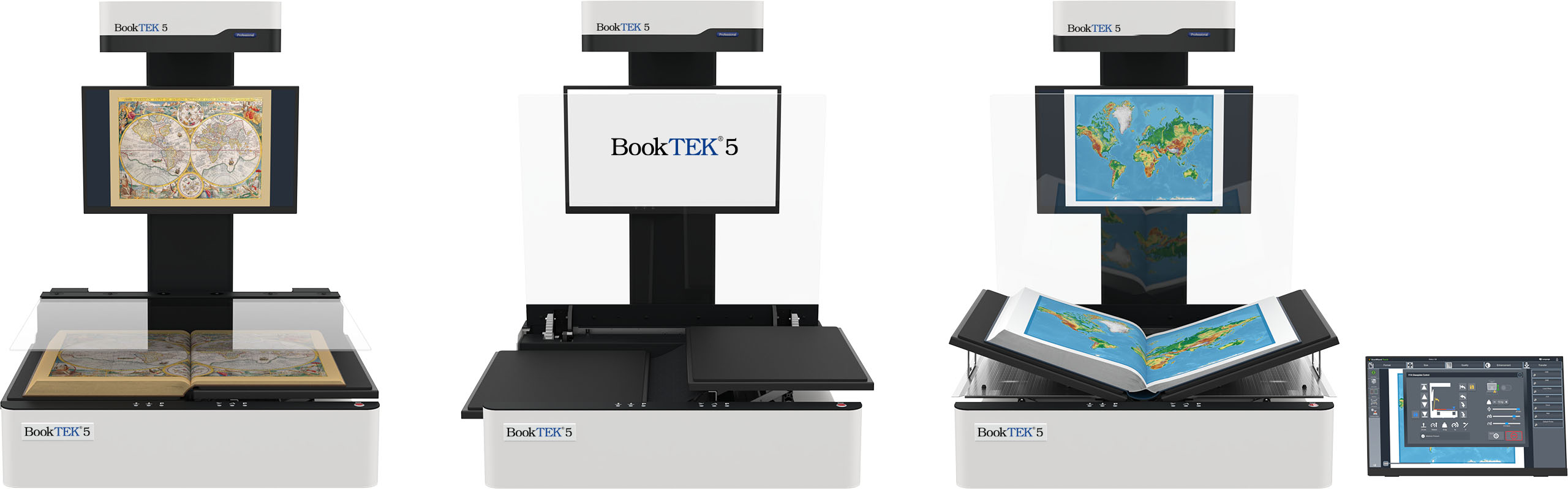
Revolutionizing automated book scanning
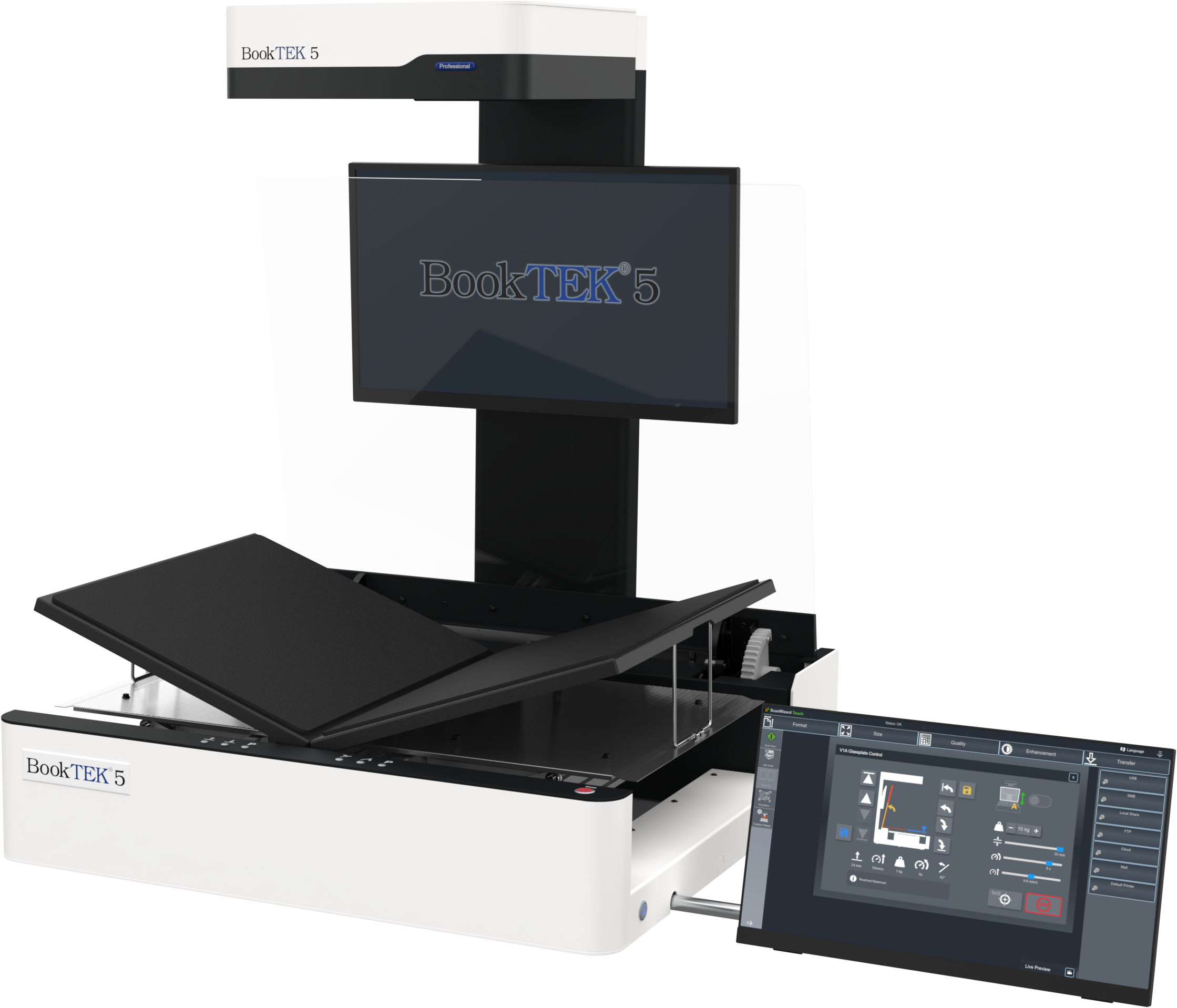
Designed for large-format digitization projects, the BookTEK 5 V1A Professional combines precision, speed, and user-friendly technology in one powerful device. Whether you are working with fragile manuscripts or heavy tomes, this scanner ensures the highest quality digital reproductions while maintaining the integrity of the original materials. Its advanced features and robust design make it an indispensable tool for libraries, archives, and institutions dedicated to preserving valuable documents.
Digitization in brilliant quality
A high-resolution linear CCD camera with laser-controlled autofocus precisely follows the curvature of books, scanning along the reading direction.
Even at 600 dpi with all image enhancements activated, scanning takes only 4 seconds, and the complete cycle time, including all glass plate movements, is under 8 seconds.

Advanced book cradle design
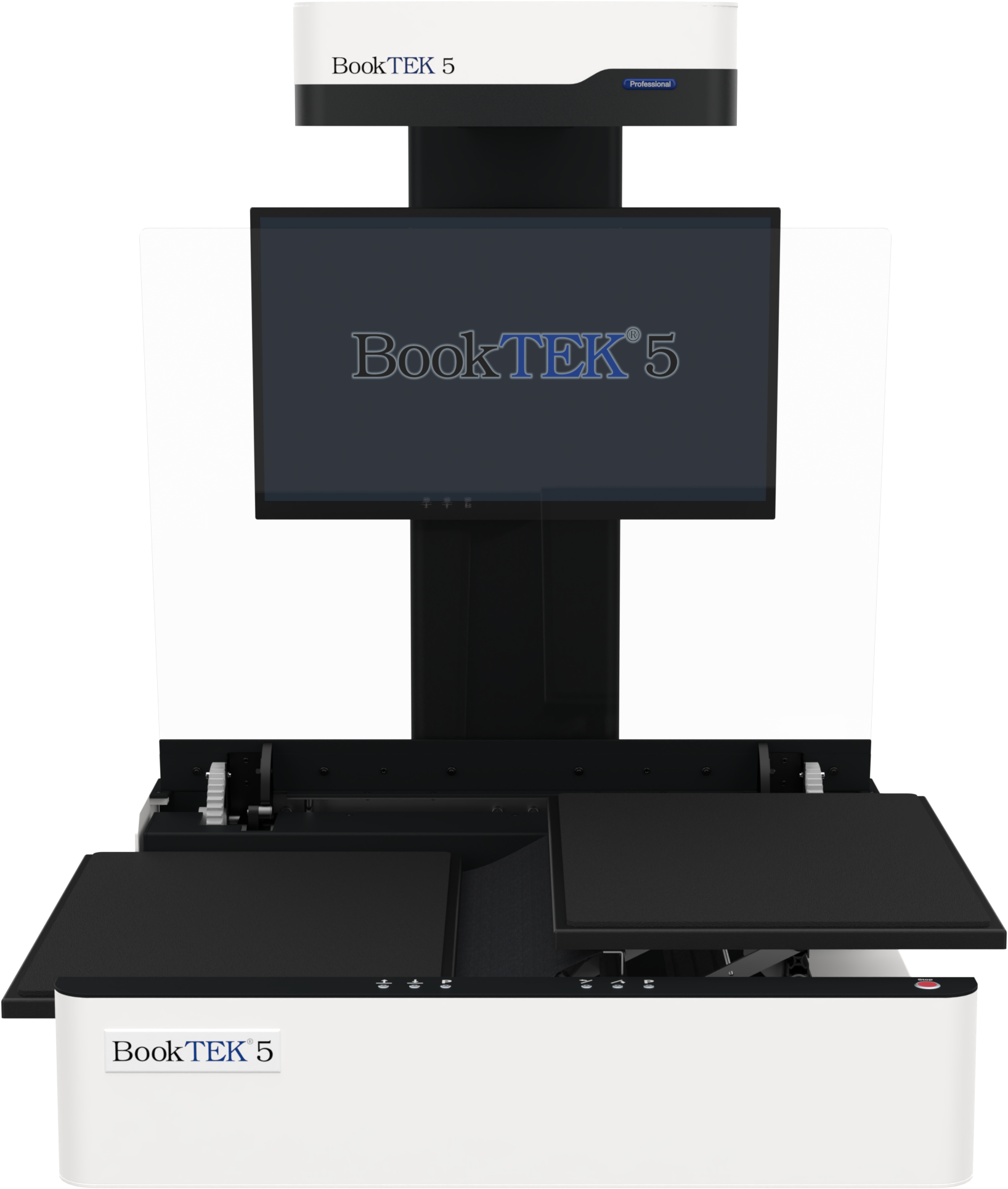
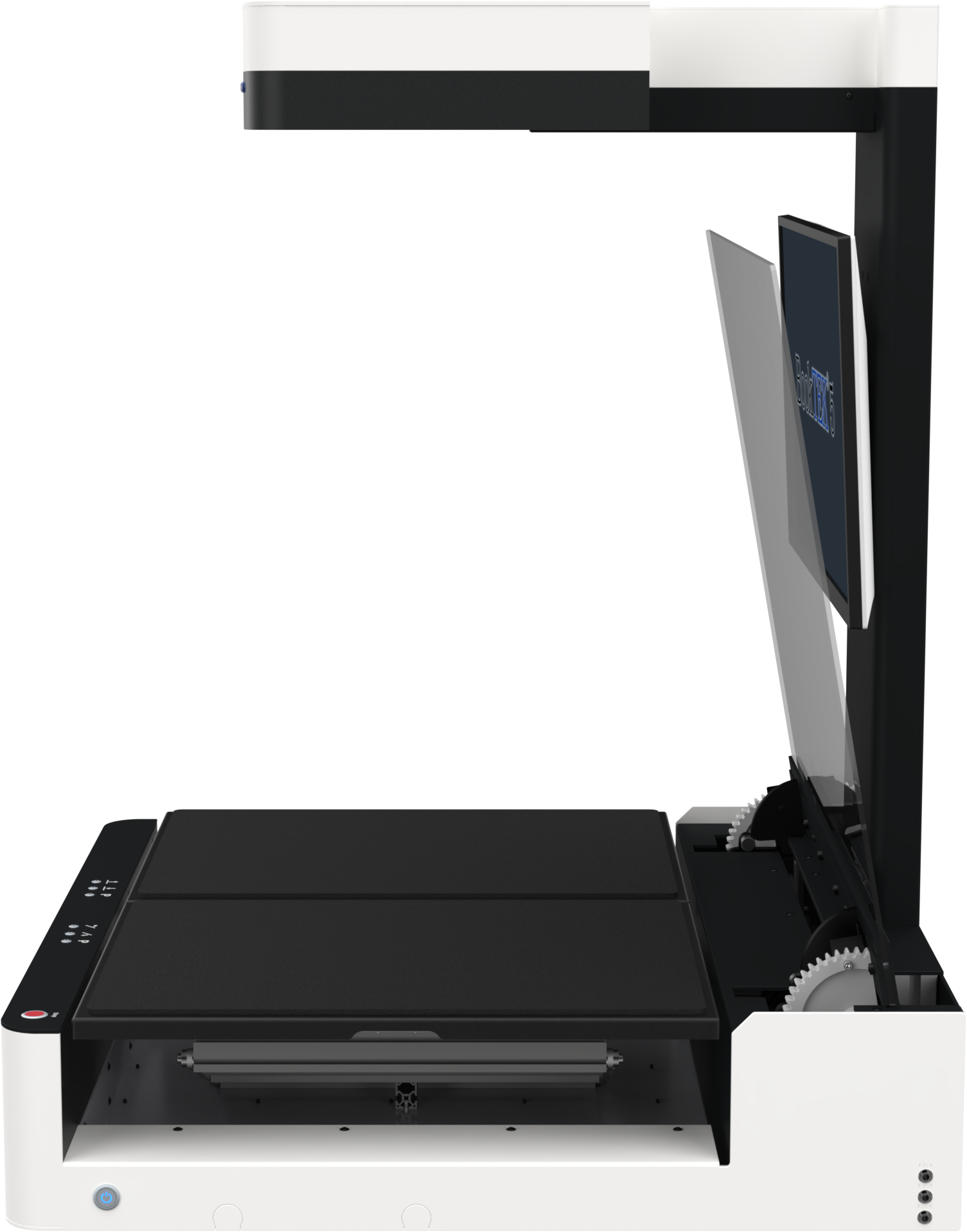
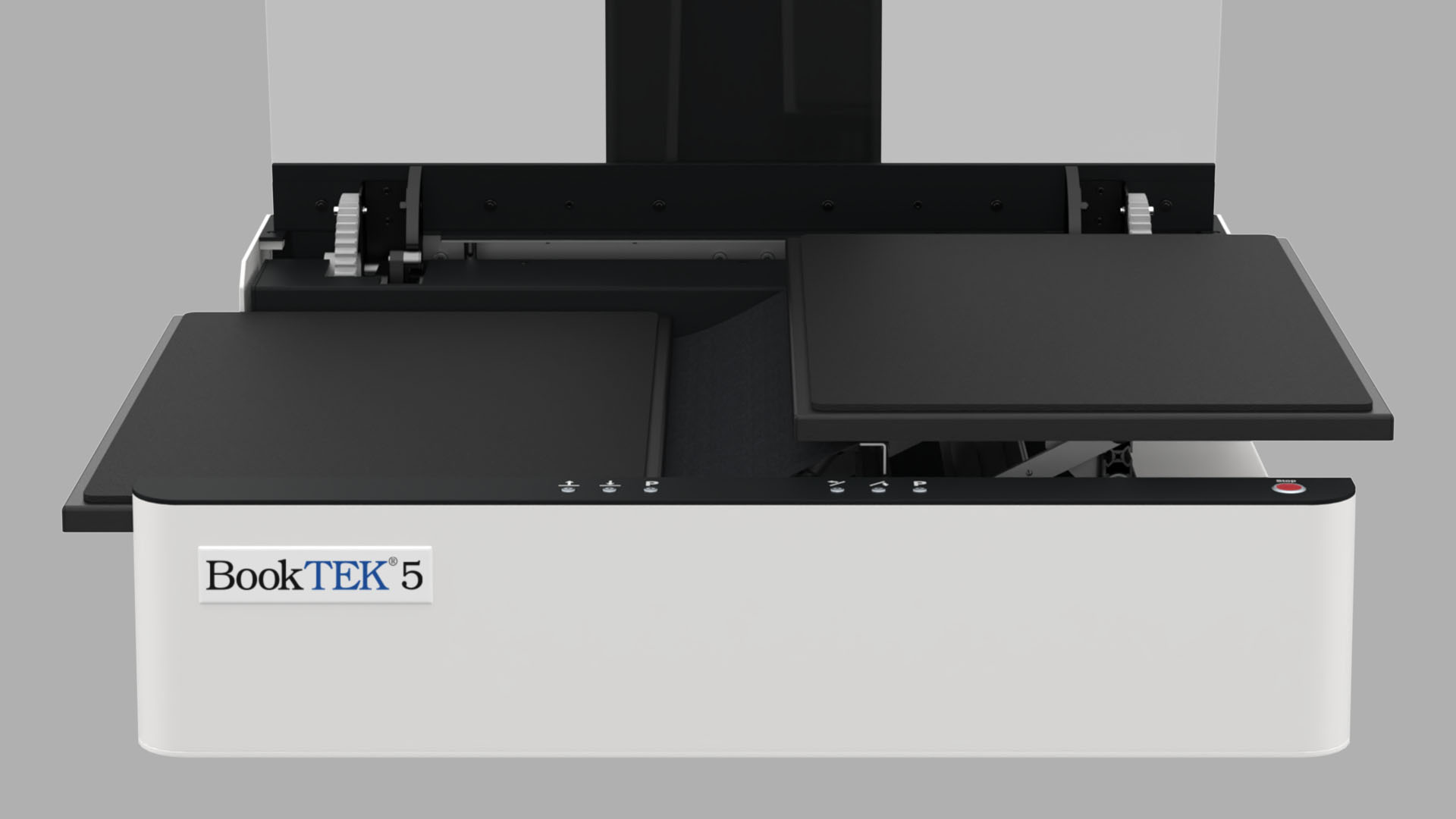
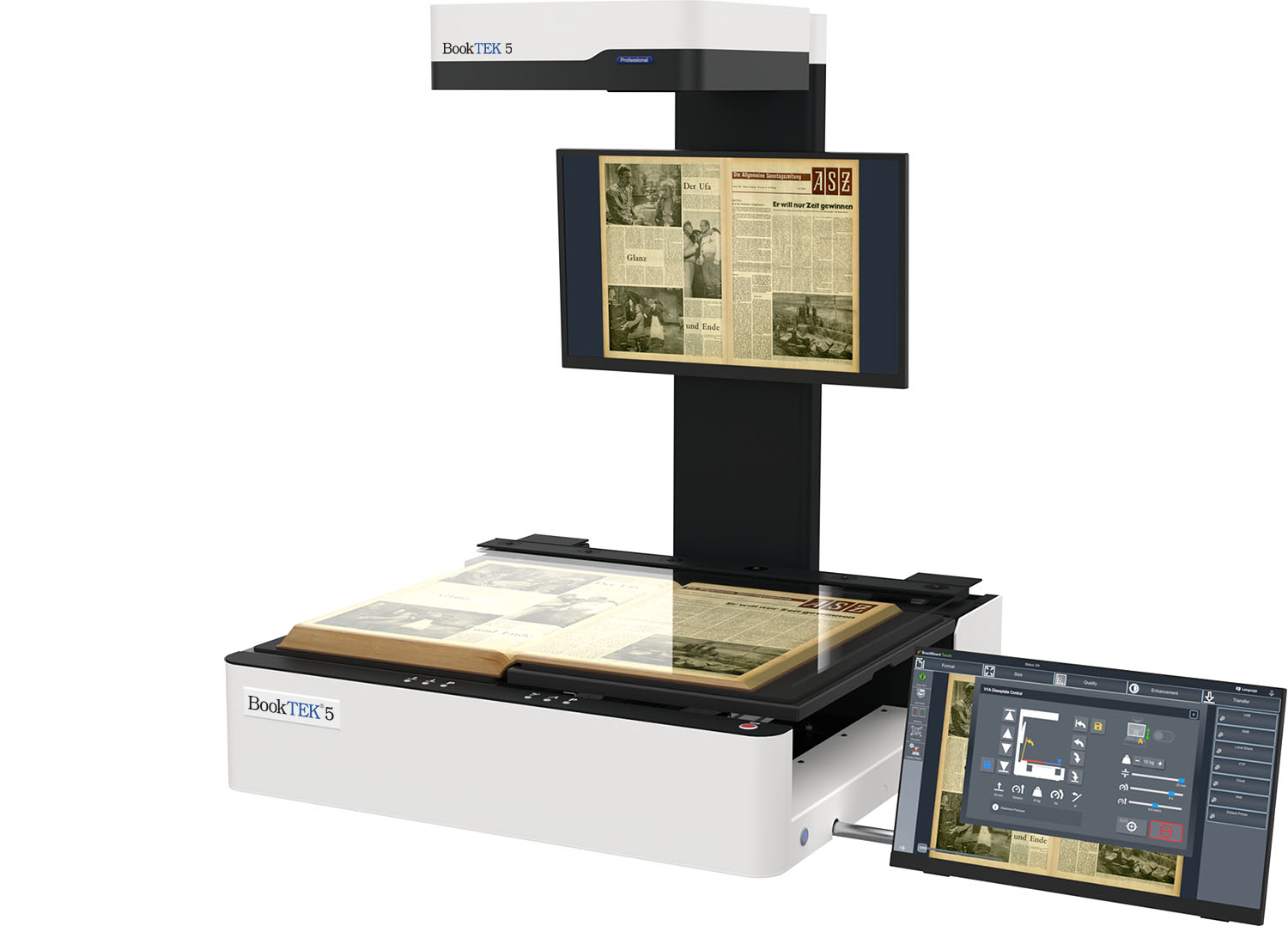
The self-leveling book cradle supports books up to 30 kg and offers a 20 cm lift, enabling flexible scanning in either flat mode or V-mode with a 140° opening angle. The cradle’s adjustable plates separate to accommodate spines up to 20 cm, and books up to 25 cm thick can be scanned without using the glass plate.
Enhanced with flexible fabric, it bridges gaps between plates, offering optimal support for damaged spines.
Motorized glass plate
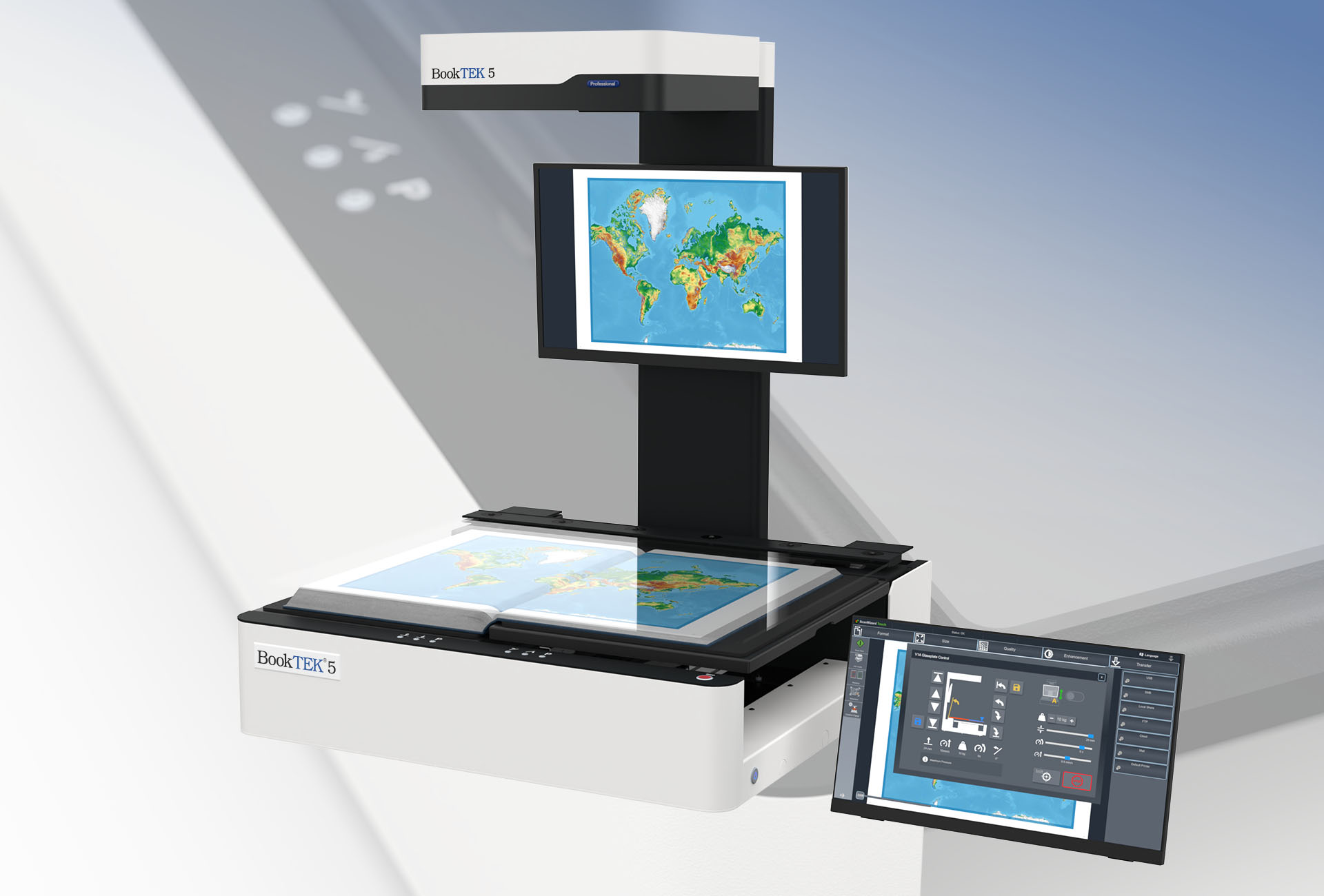
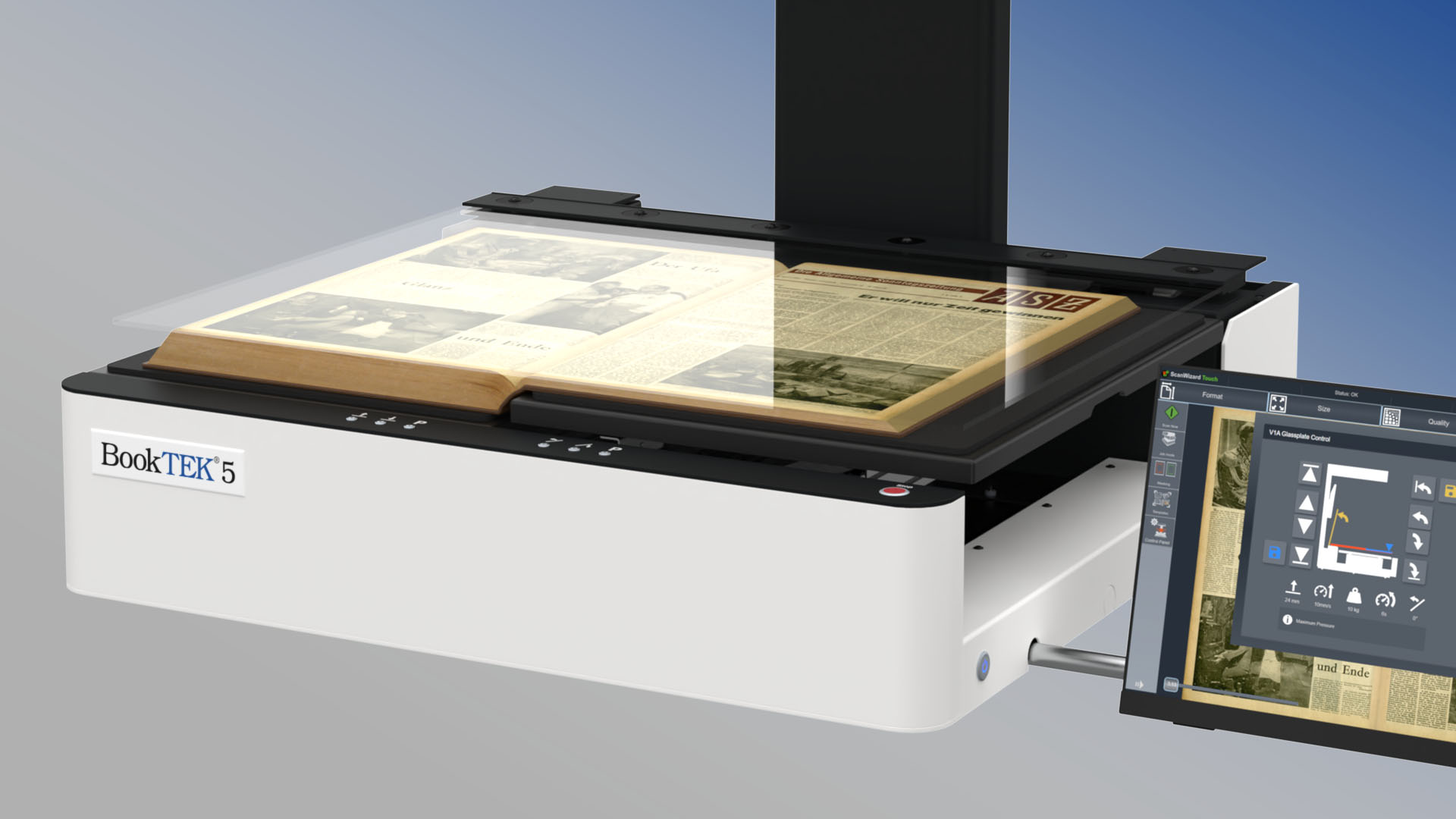
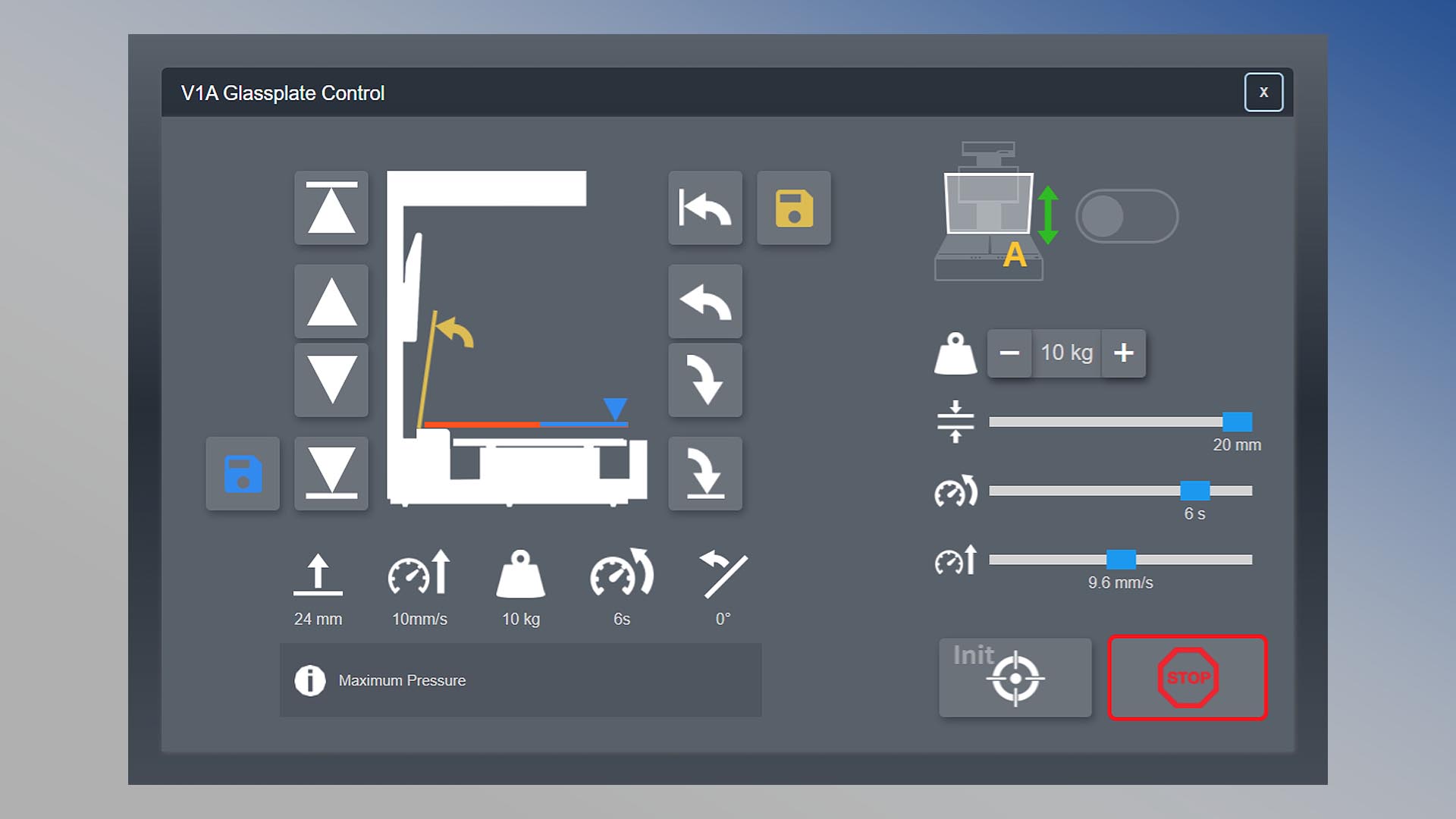
The BookTEK 5 V1A features a motorized, height-adjustable, borderless glass plate that opens to any user-defined angle. Its automated movements streamline the scanning process, gently lowering onto the book to apply just the right amount of pressure for high-quality scans without damaging delicate pages.
Ergonomic control with dual monitor setup
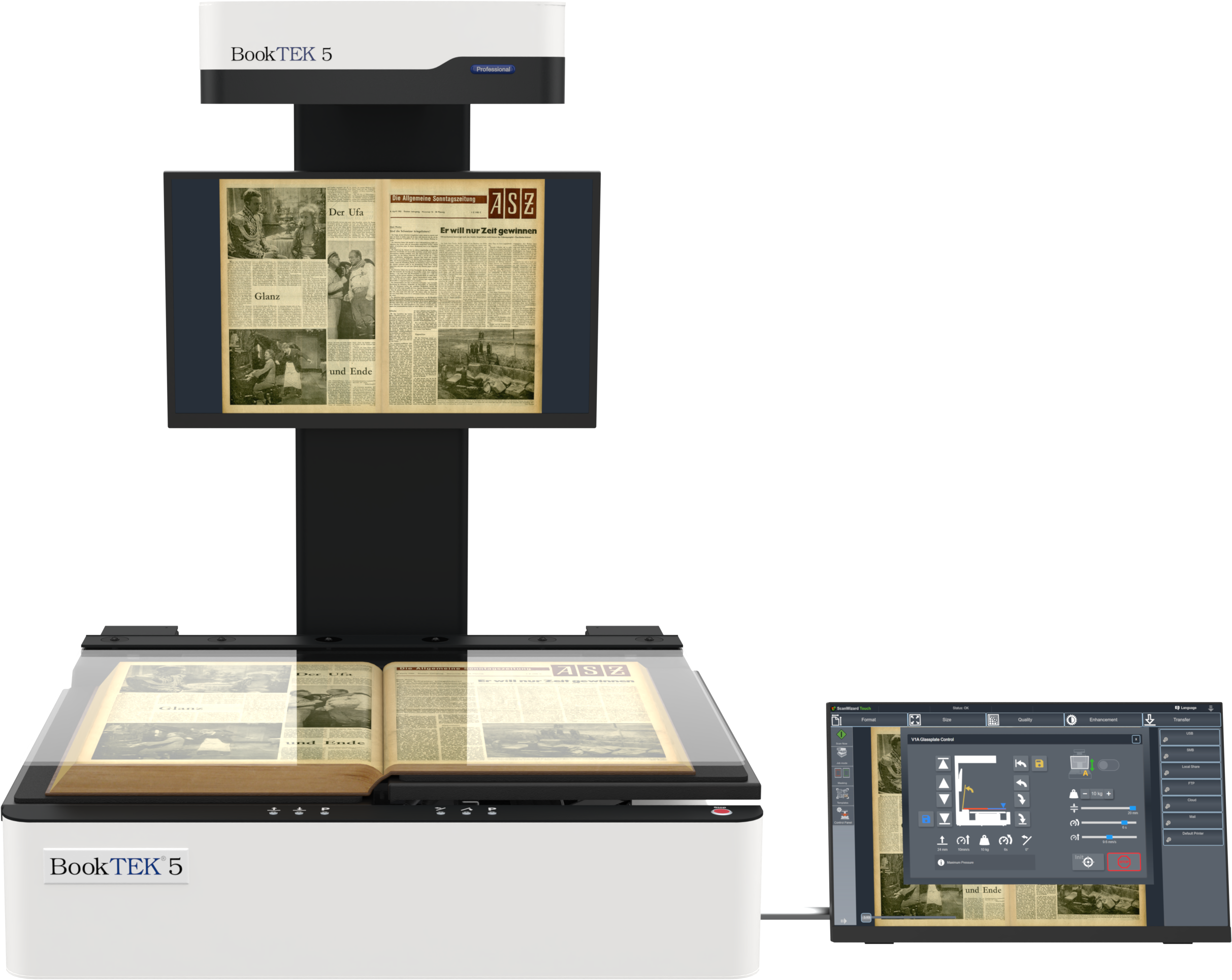
With a spacious 27-inch 4K preview monitor in front of the operator for clear, detailed scanning feedback and a 21-inch Full HD multi-touchscreen for easy operation, this setup offers optimal control and visual clarity for smooth, efficient scanning.
Gentle automation
Before scanning, the lift motor gently lowers the glass plate onto the book, with pressure finely adjustable up to 10 kg (22 lbs) under operator control. Once the book's thickness is programmed, the scanner opens and closes the glass plate at adjustable speed, allowing the user to flip pages.
Pressing the stop button on the right side of the keyboard halts all motors instantly. Operations can resume smoothly once any interruptions are resolved.
Versatility in a single device
The scanner’s book cradle offers exceptional versatility, supporting fully opened books at 180° with or without the glass plate, as well as partially opened books using its V-shaped cradle. This all-in-one design eliminates the need for multiple models, providing a comprehensive solution for various scanning scenarios.